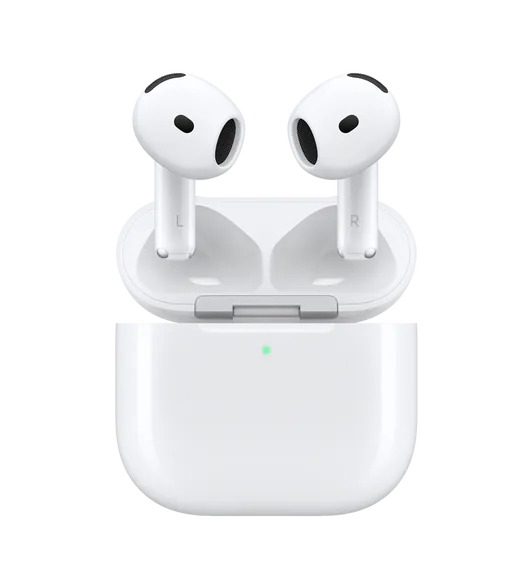
What works on a PC
- Stereo audio and the microphone, through standard Windows Bluetooth
- Battery, as far as the earbuds report it to Windows
- A ten-band equalizer applied to the Windows output
- Output switching, and per-app rules for where sound goes
- Smart pause on models that report wear detection to Windows
- Low latency mode for games
What does not carry over
- Switching ambient sound or noise cancelling from the PC. Those modes are handled by the earbuds and by the phone app.
- Fit test, 360 audio and anything else the Samsung app computes.
- Automatic switching between a Galaxy phone and the PC.
Why the phone app cannot help here
Vendor apps talk to earbuds over a private channel that Windows does not implement, and there is no PC version to install.
Whatever mode you set on the phone stays active when you connect to the PC, because the setting lives in the earbuds.
Call quality is a Windows problem, not a Samsung one
Windows switches any Bluetooth headset into hands-free mode when an app opens the microphone, and the sound becomes narrow and dull for as long as it holds it.
Use the laptop microphone for calls and the earbuds stay in stereo, which usually sounds better on both ends.
KikuTune on Windows
Battery, output switching, a ten-band equalizer, per-device settings and per-app rules are free, with no account. The paid plan adds model correction and the studio signal path.
Questions people ask
- Is there a Galaxy Buds app for Windows?
- Samsung does not ship one. KikuTune covers the parts Windows exposes: battery where the earbuds report it, output switching, a ten-band equalizer and per-app rules.
- Can I control ambient sound from my PC?
- No. That mode is handled by the earbuds, so set it on the phone or with the touch control, and it stays where you left it.
- Does the equalizer cost anything?
- No. The equalizer, presets, output switching and profiles are free. The paid plan adds model correction and the studio signal path.