Devices
Your headphones on Windows
What each model actually does on a PC, what Windows leaves out, and which parts KikuTune fills in. KikuTune works with any Bluetooth headphone; these pages cover the ones people ask about most.
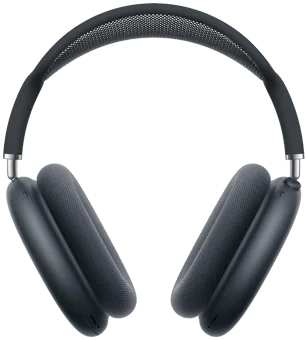
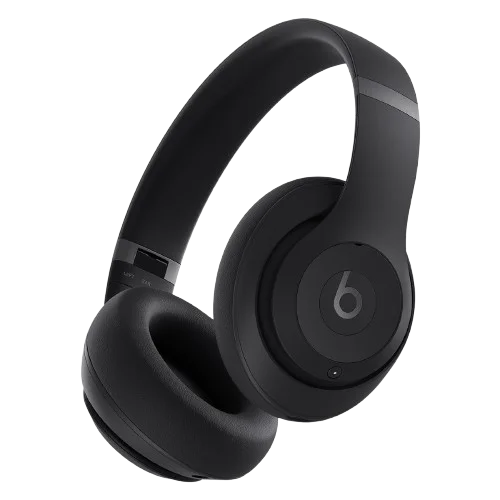
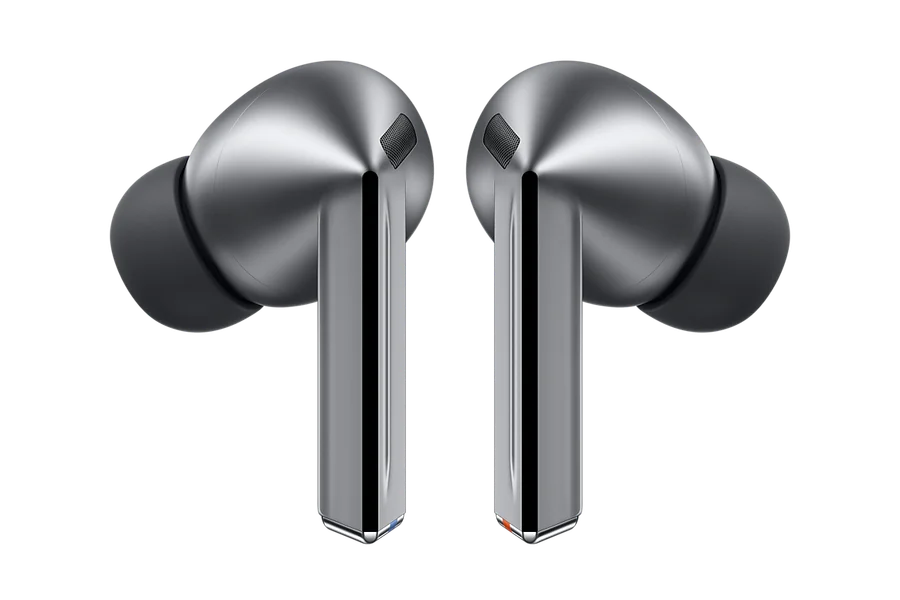
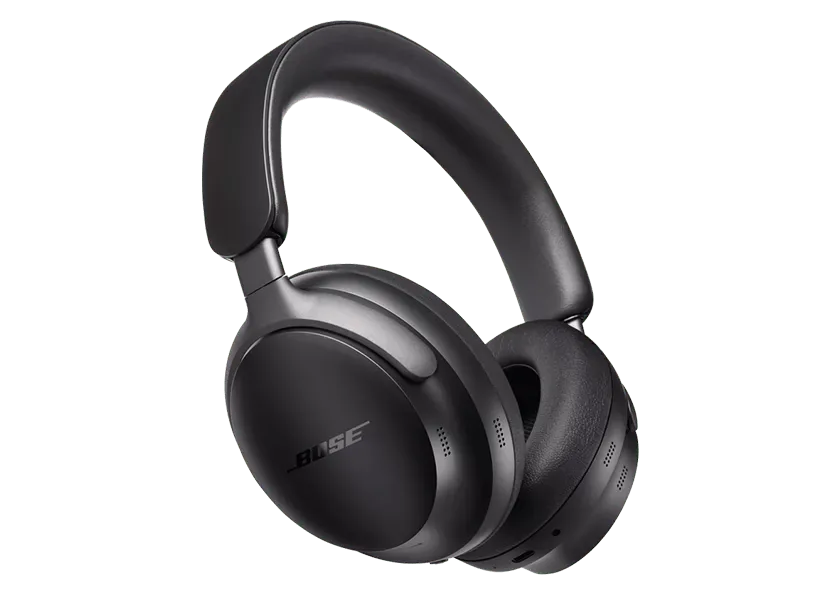
What KikuTune does with any Bluetooth headphones
- Shows the battery level wherever the headphones report it to Windows, and warns you when it runs low.
- Switches the Windows audio output to your headphones and reconnects them without a trip through Settings.
- With the free KikuTune Bridge, adds a ten-band equalizer with presets, a preamp, balance and a limiter, kept separately for each pair.
What only AirPods add
Apple's headphones tell a PC more than other brands do, so on supported AirPods KikuTune also shows the left earbud, the right earbud and the charging case separately, and pauses what is playing when you take an earbud out. With KikuTune Bridge you also switch Noise Cancellation, Transparency and Adaptive from the PC. On every other brand the noise modes stay in the headphones' own buttons or app, and each model page says what carries over.
Not on the list?
KikuTune works with any Bluetooth headphones, earbuds or speakers that Windows can connect to. These pages cover the models people ask about most; the guides cover the problems every model shares, from missing sound to dropouts and audio delay.