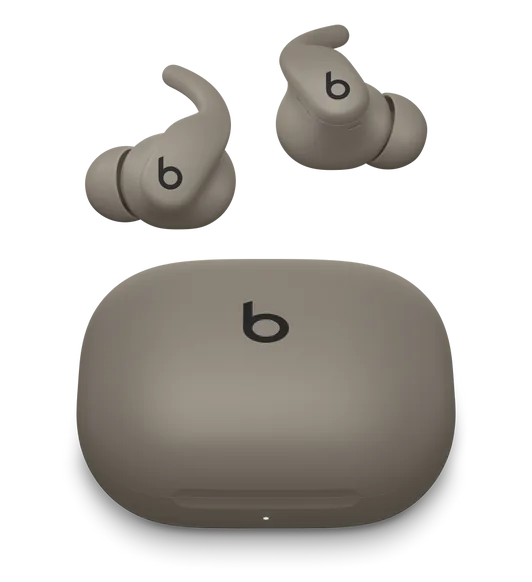
What works on a PC
- Stereo audio and the microphone, through standard Windows Bluetooth
- Battery, as far as the headphones report it to Windows
- A ten-band equalizer applied to the Windows output
- Output switching between headphones, speakers and anything else
- Per-device settings, so these keep their own sound
- Low latency mode, which trims the buffering the PC controls
What does not carry over
- Switching noise control modes from the PC. On Beats the modes are handled by the headphones, and the button on the earcup still cycles them.
- Separate left and right levels on the over-ear model, which reports a single battery.
- Anything the phone app automates, such as mode presets tied to a place.
The part people expect Windows to do
Windows has no equalizer for Bluetooth headphones. The enhancements tab belongs to the audio driver, and Bluetooth endpoints usually expose none, which is why it is empty or missing.
A system-wide equalizer sits on the Windows output instead, so one curve covers music, video, games and calls.
Calls still cost you the good audio
Any app that opens the headset microphone moves Windows into hands-free mode, and everything you hear turns thin until it lets go.
Selecting a different microphone in the call app keeps the headphones in stereo for the whole call.
KikuTune on Windows
Battery, output switching, a ten-band equalizer, per-device settings and per-app rules are free, with no account. The paid plan adds model correction and the studio signal path.
Questions people ask
- Can KikuTune switch noise control on Beats?
- No. On Beats the modes are handled by the headphones themselves, so use the button on the earcup. KikuTune shows the device, the battery Windows reports, and gives you the equalizer and output switching.
- Will the equalizer work?
- Yes. It applies to the Windows output, so it works with any pair of headphones, free and without an account.
- Why does the battery sometimes disappear?
- Windows only shows a level if the headphones report one over the standard Bluetooth battery service, and some models report it only at certain moments.